
How to Setup IPTV on Your Smart TV
Learn how to install IPTV on Smart TV using IPTV Smarters Pro, HOT IPTV, IBO Player Pro and other popular Smart TV apps.
Setting up IPTV on your Smart TV is quick and easy. The whole process usually takes 5 to 10 minutes. This guide will show you the best IPTV apps to use and exactly how to set them up on any Smart TV model.
Choosing an IPTV App
Before you start, you need to install an IPTV player from your Smart TV’s App Store. Here are the most popular and reliable options:
- IPTV Smarters Pro — Free and easy to use.
- HOT IPTV — Smooth interface with trial and paid activation.
- IBO Player / IBO Player Pro — Stable paid Smart TV app.
- Smart One IPTV — Available on some older Smart TVs.
- Duplex IPTV / Net IPTV / SS IPTV — Alternative apps for older models.
1. IPTV Smarters Pro
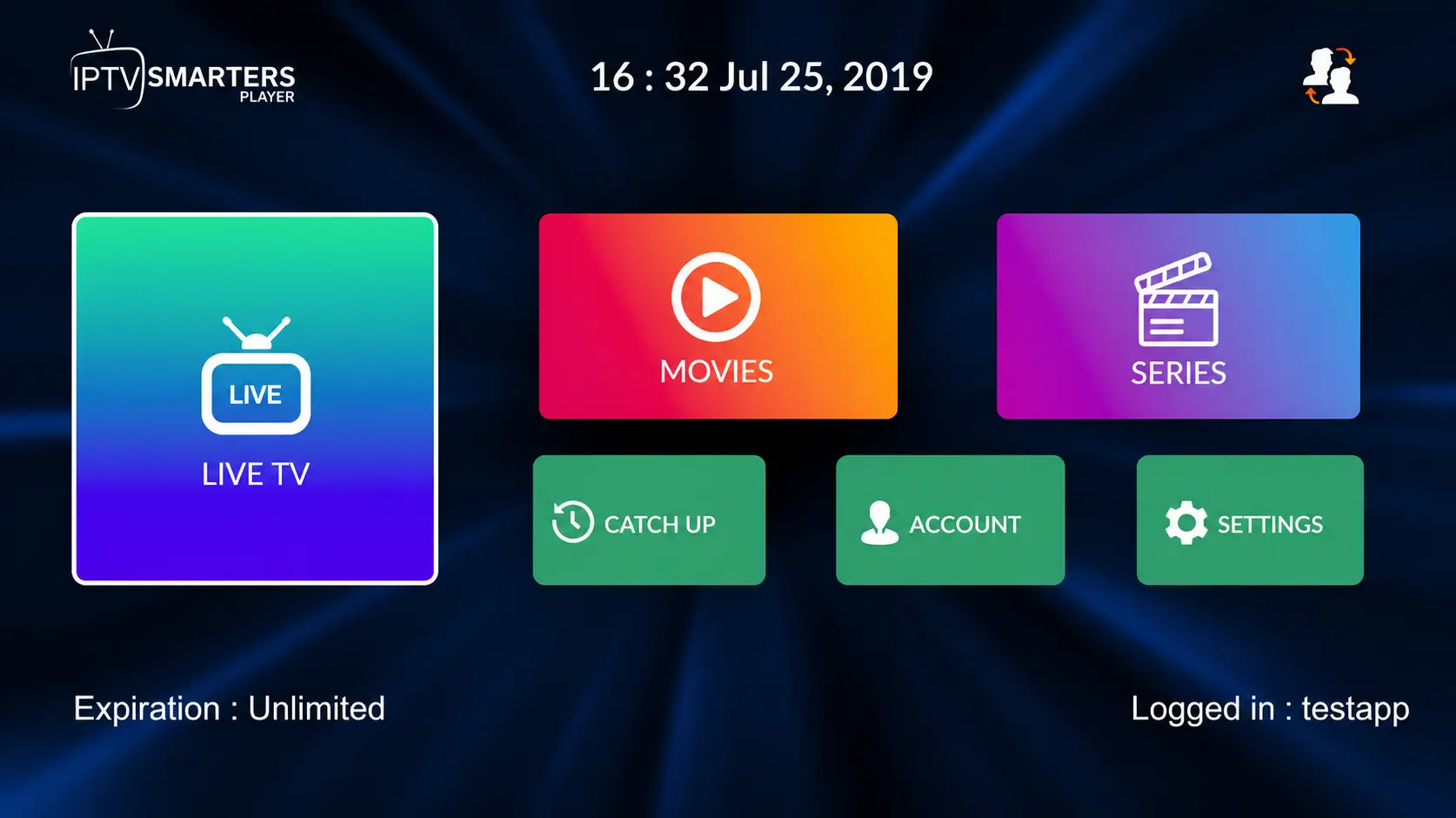
IPTV Smarters Pro has a great user interface and is free to use. It is easy to set up because you only need to enter your IPTV login details directly inside the app.
- Free to use on many Smart TVs.
- Supports Xtream Codes API login.
- Good for live TV, movies and series.
- May sometimes lag or glitch depending on the TV model.
2. HOT IPTV
HOT IPTV is a paid IPTV player with a smooth and fast interface. It usually offers a free trial before activation.
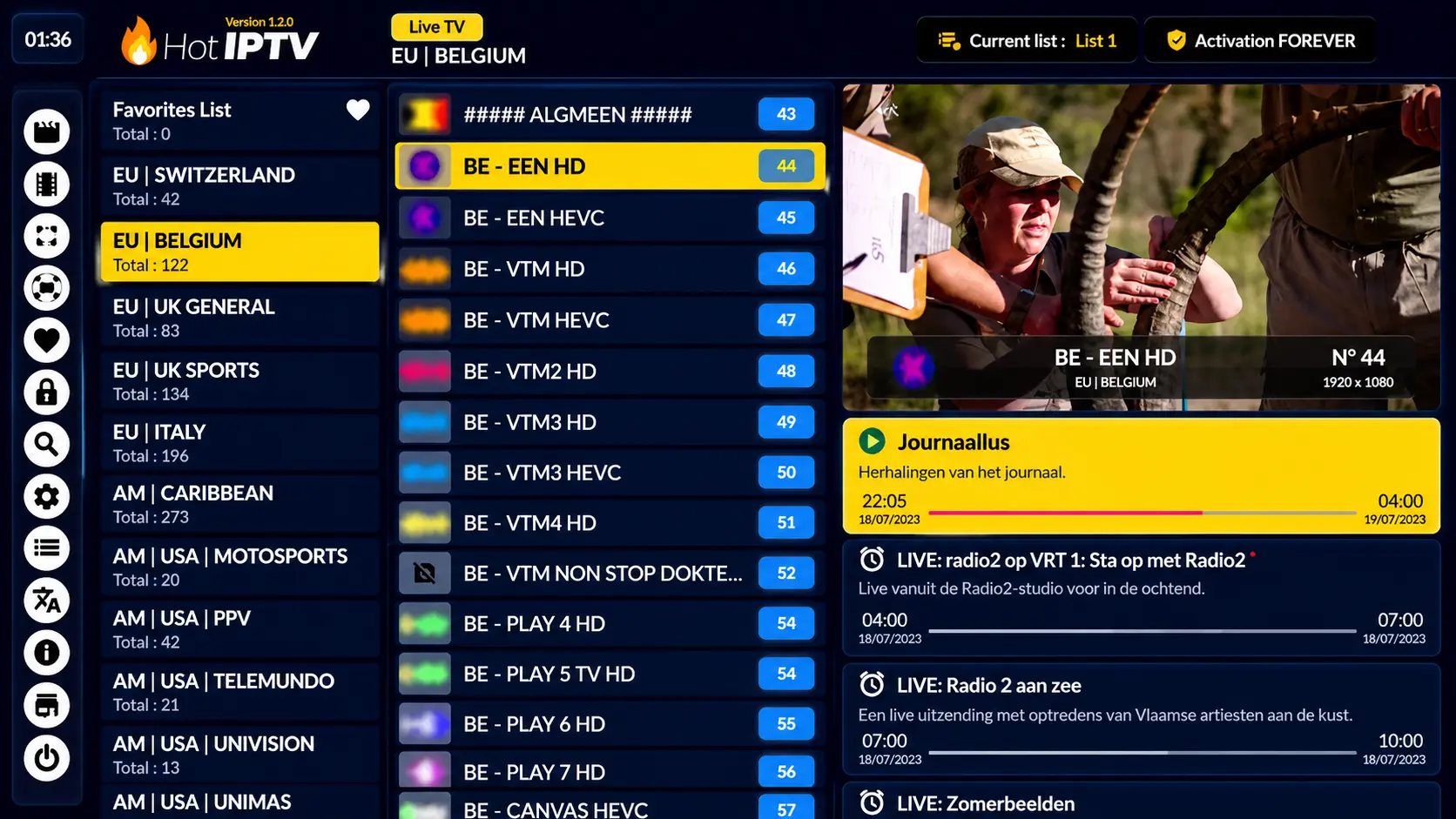
- Free trial available on many devices.
- Clean and modern interface.
- Good performance for live TV and playlists.
- Requires activation after the trial period.
Recommendation: HOT IPTV is a good option if you want a smoother and more stable Smart TV experience.
3. IBO Player / IBO Player Pro
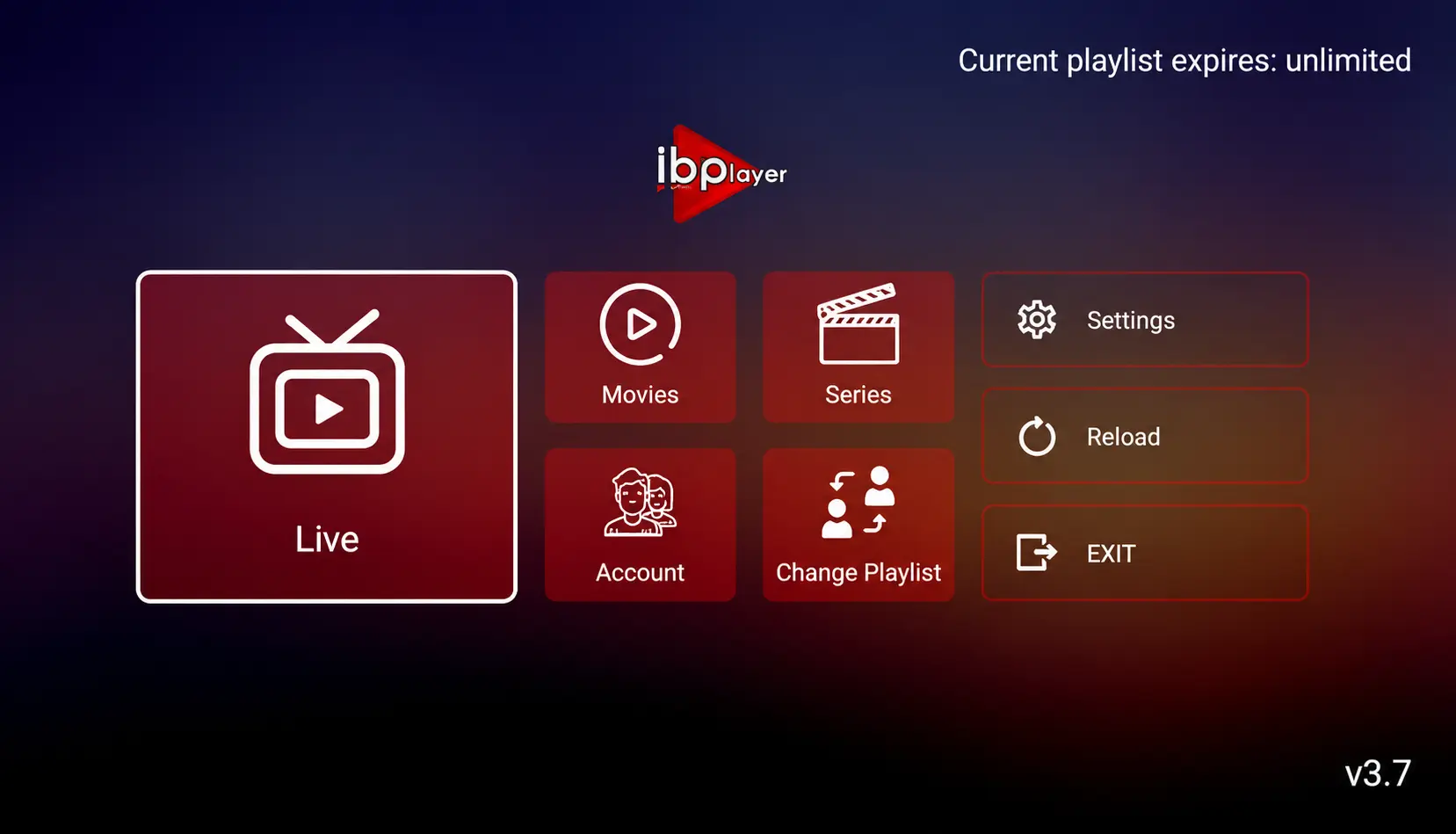
IBO Player Pro is a popular Smart TV IPTV player. It is usually paid after a short trial, but it is generally reliable and works well on Samsung, LG and other Smart TVs.
- Stable Smart TV IPTV player.
- Works with M3U playlists.
- Good for users who want a simple paid app.
- Requires MAC address activation.
4. Other Options for Older Smart TVs
Some older Smart TVs may not support the newest apps. You can try these options:
- Smart One IPTV
- Duplex IPTV
- Net IPTV
- SS IPTV
- Smart IPTV
Note: Some older apps may have limited memory and can crash with large playlists.
Setting Up IPTV Smarters Pro on Smart TV
To install IPTV Smarters Pro on your Smart TV, follow these steps:
- Open your TV’s App Store.
- Search for IPTV Smarters Pro.
- Install the app.
- Open the app after installation.
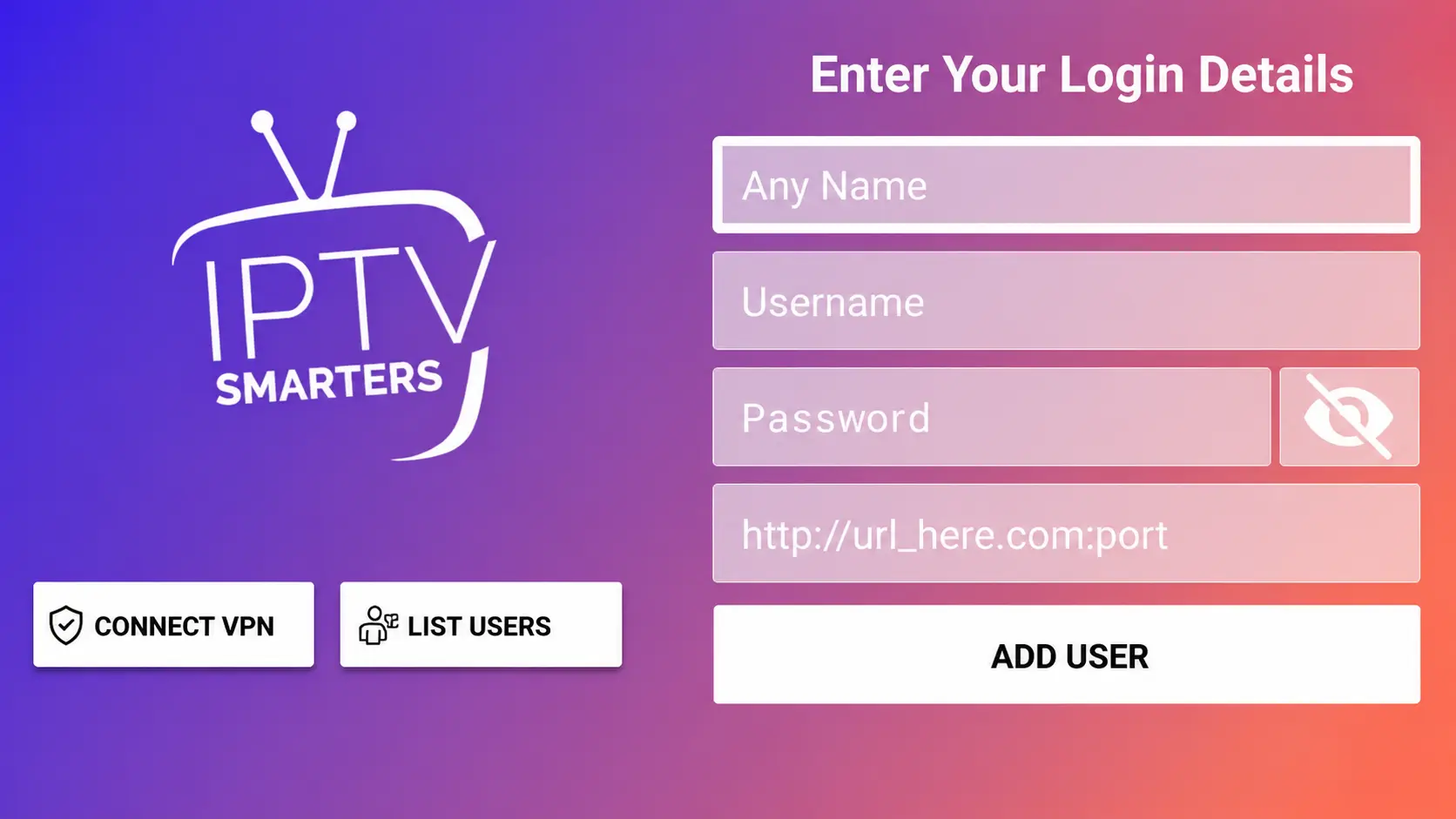
- Select Login with Xtream Codes API.
- Enter the login details provided by Email or WhatsApp.
Login Details Explained
- First Box: You can put any profile name.
- Second Box: Your username.
- Third Box: Your password.
- Fourth Box: Server URL, usually starts with http:// or https://
Setting Up Any Paid IPTV Player App on Smart TV
For paid apps like HOT IPTV, IBO Player Pro, Smart One IPTV or Net IPTV, the setup is usually based on your TV app’s MAC address.
Step 1: Open the IPTV App
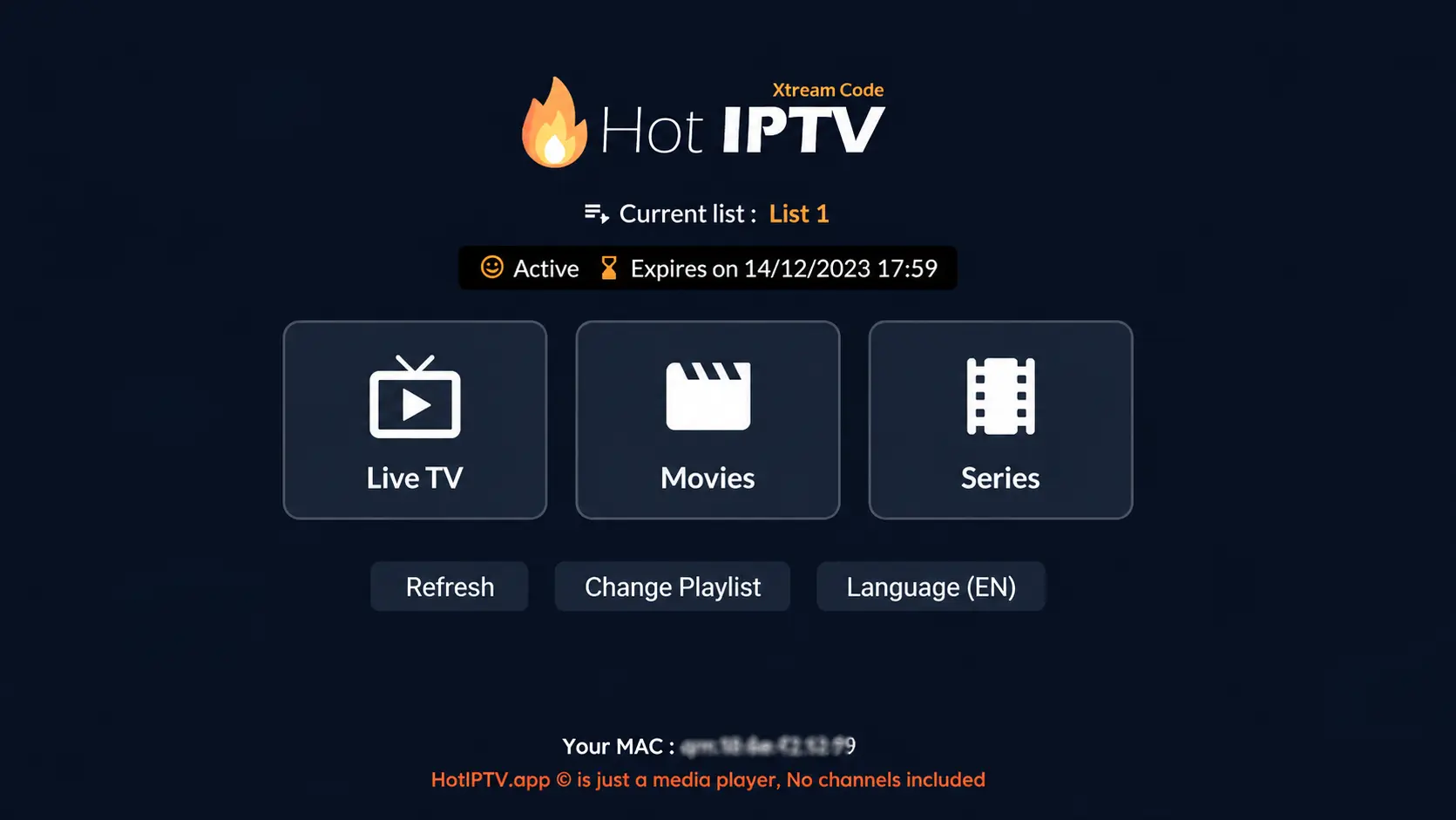
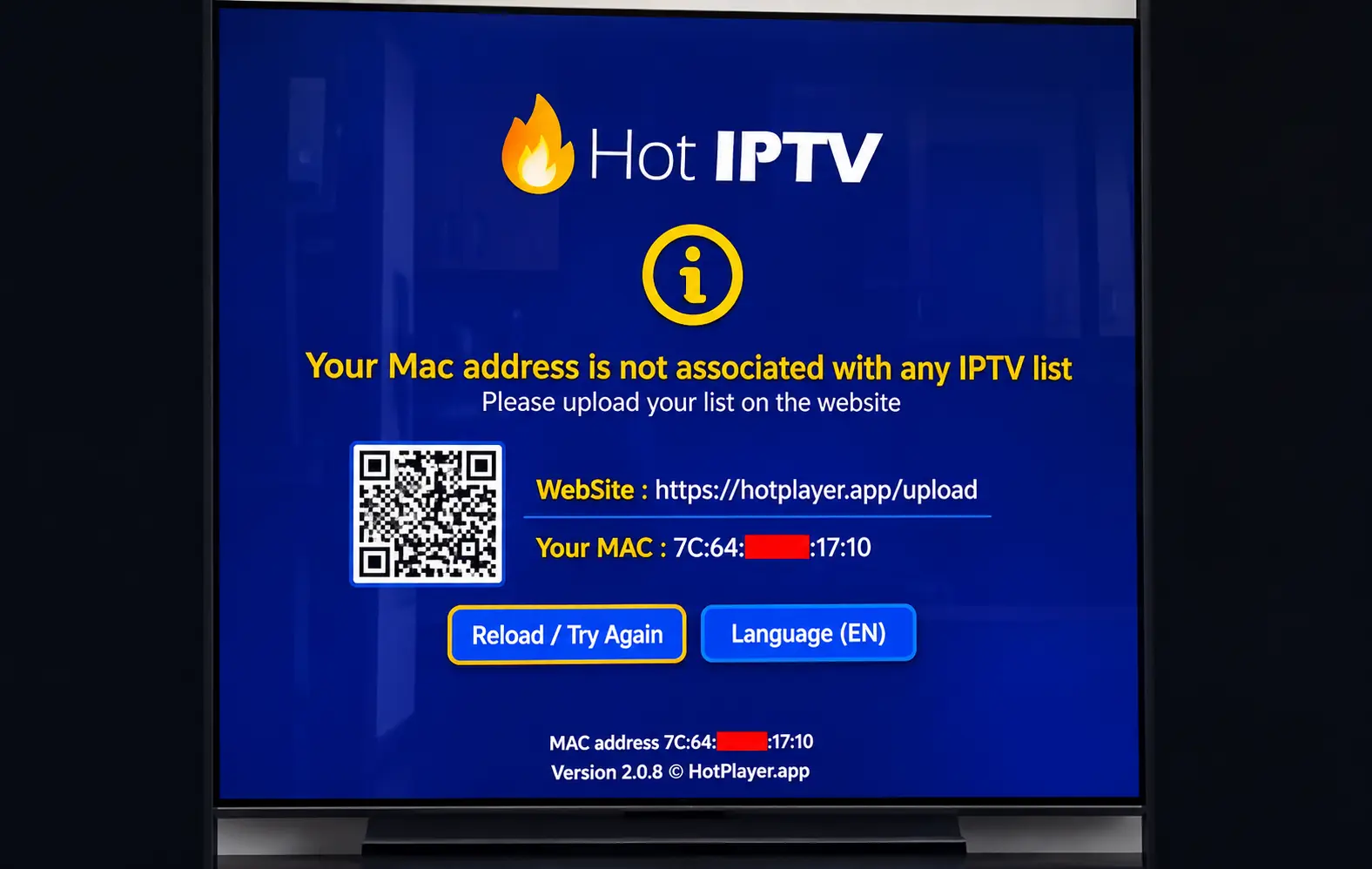
Install and open the IPTV player. The app will show you a MAC address or device ID.
Step 2: Send Your MAC Address
Send your MAC address, app name and payment email/order ID to support, or upload your playlist yourself using the app’s official website.
Step 3: Upload Your Playlist
Visit the website shown inside the IPTV app and enter your MAC address. Then add your M3U link or Xtream Codes details.
Step 4: Save and Restart
- Enter your MAC address.
- Add your M3U link or playlist details.
- Save the settings.
- Restart the IPTV app on your Smart TV.
Important Notes
- Most Smart TV IPTV apps are paid, except IPTV Smarters Pro on some devices.
- IPTV Smarters Pro is good but can sometimes lag depending on your TV.
- For smoother performance, HOT IPTV or IBO Player Pro are strong options.
- Always make sure your IPTV link or server URL is typed correctly.
- If channels do not load, restart the app and check your internet connection.
Troubleshooting
Channels Not Loading
- Check your internet connection.
- Restart your Smart TV and IPTV app.
- Make sure your playlist or login details are correct.
- Try using a wired Ethernet connection if possible.
Authorization Failed
- Check your username and password.
- Make sure the server URL is complete.
- Turn off VPN and try again.
- Contact support if the problem continues.
Final Notes
Setting up IPTV on Smart TV is simple when you choose the right app. IPTV Smarters Pro is a good free option, while HOT IPTV and IBO Player Pro are better choices if you want smoother performance and a more stable experience.
Need Help Setting Up IPTV on Smart TV?
Contact BangosPlay support and we will help you install IPTV on Samsung Smart TV, LG Smart TV, Android TV, Google TV and other Smart TV devices quickly and easily.
Contact Support