
How to Setup IPTV on iPhone / iPad
Learn how to install IPTV on iPhone and iPad using the best iOS IPTV apps and Xtream Codes API login.
If you want to set up IPTV on your iPhone or iPad, you are in the right place. This guide will help you choose the right app and configure it so you can start watching IPTV channels on your iOS device quickly and easily.
Best IPTV Apps for iPhone and iPad
Below are some of the top IPTV apps available for iOS devices:
- Smarters Player Lite — Easy to use and beginner friendly.
- IPTVX — Modern interface and strong performance.
- TiviMax — Premium IPTV player with advanced features.
1. Smarters Player Lite
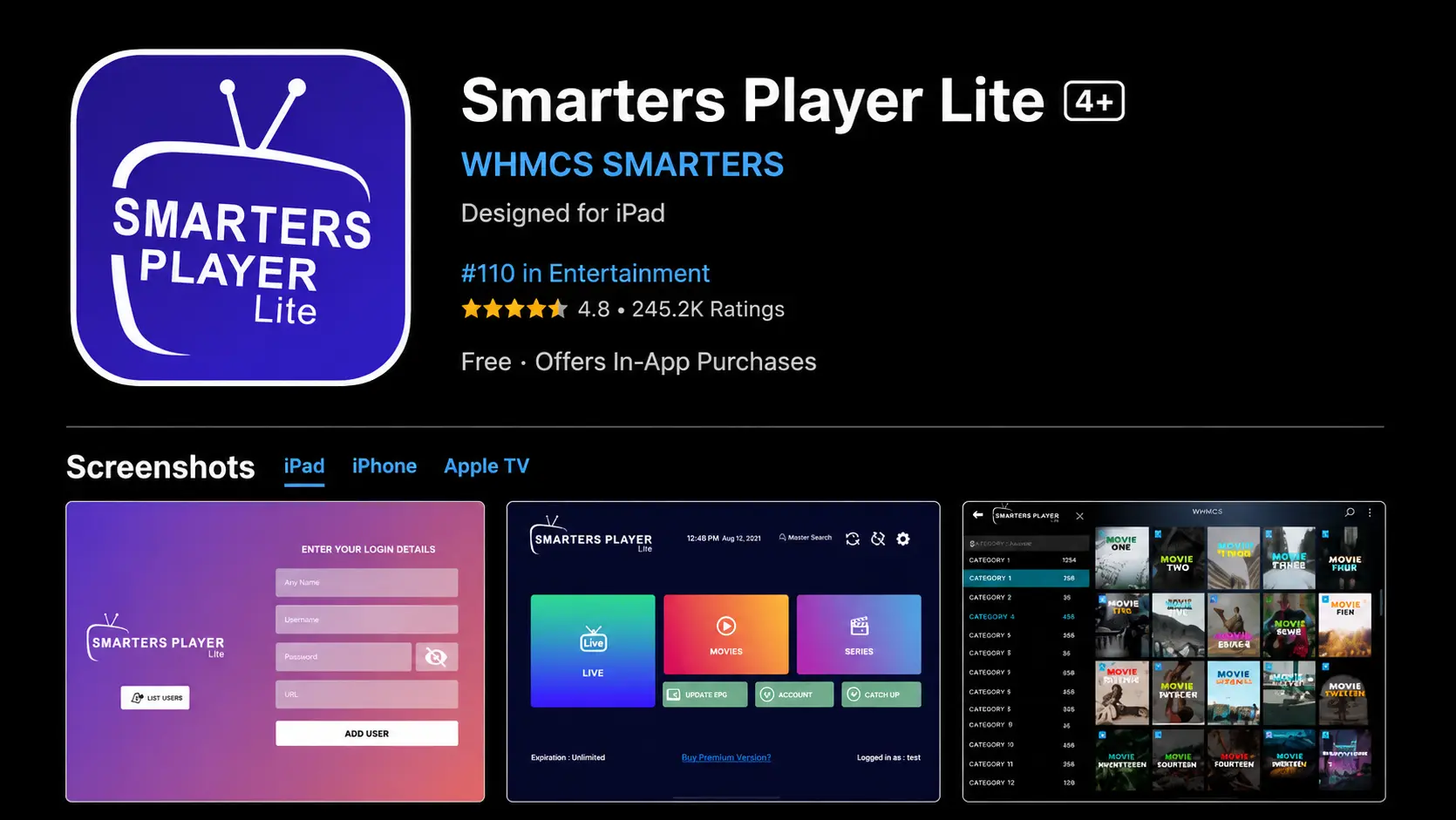
Smarters Player Lite is one of the most popular IPTV apps for iPhone and iPad. It supports Xtream Codes API login, M3U playlists, live TV, movies and series.
- Free app with simple interface.
- Supports Xtream Codes API.
- Works well on iPhone, iPad and Apple TV.
How to Log In:
- Download Smarters Player Lite from the App Store.
- Open the app.
- Select Login with Xtream Codes API.
- Enter your username, password and server URL.
- Click Add User to load your IPTV channels.
2. IPTVX
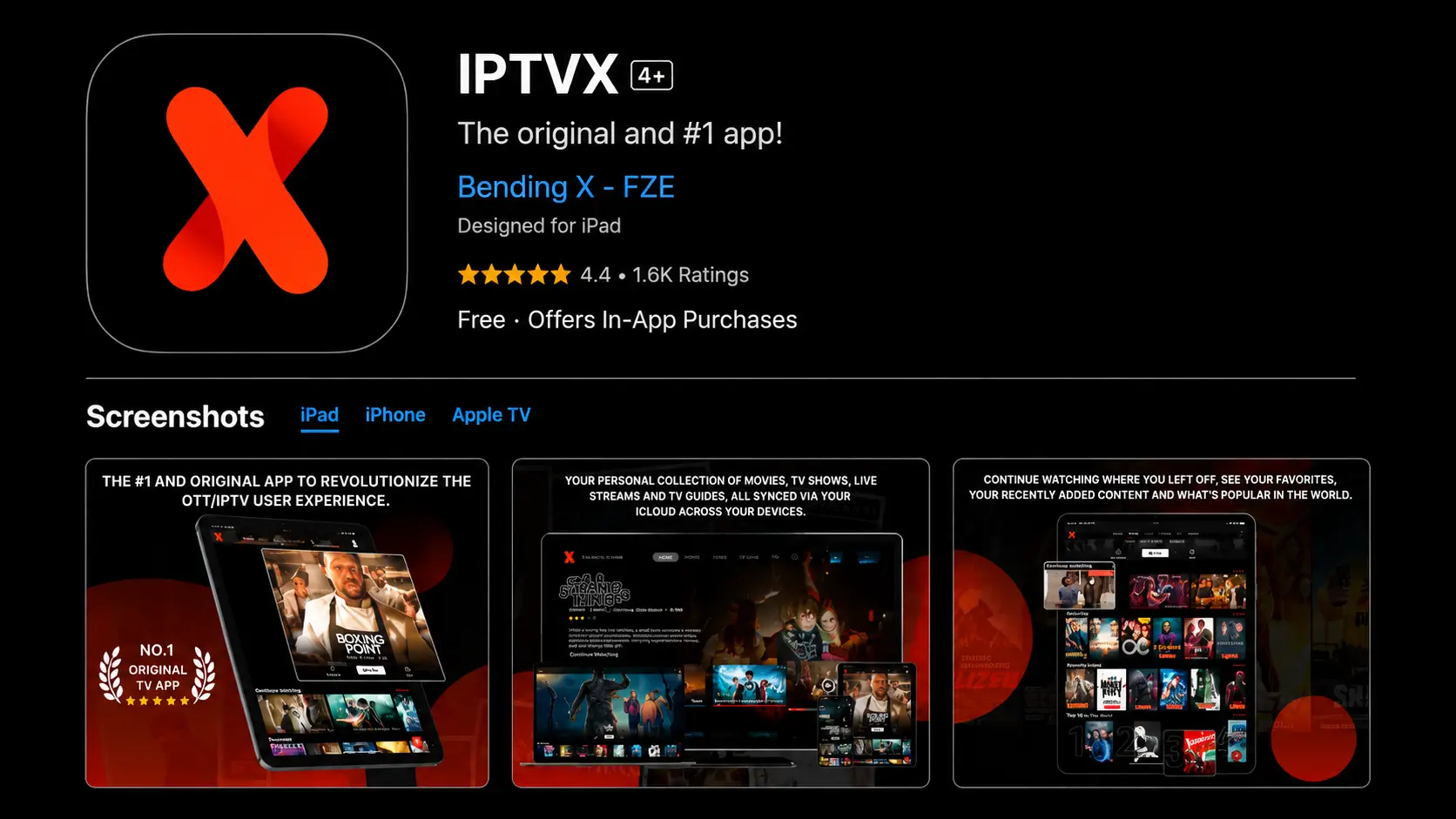
IPTVX is one of the best IPTV apps for iOS, offering smooth performance and a modern interface. It is packed with advanced features designed for a premium experience.
- Premium app with advanced features.
- Supports multiple playlists and EPG integration.
- Excellent streaming stability and smooth playback.
How to Log In:
- Download IPTVX from the App Store.
- Open the app and select Login with Xtream Codes API.
- Enter your username, password and server URL.
- Click Add User to access your IPTV channels.
3. TiviMax
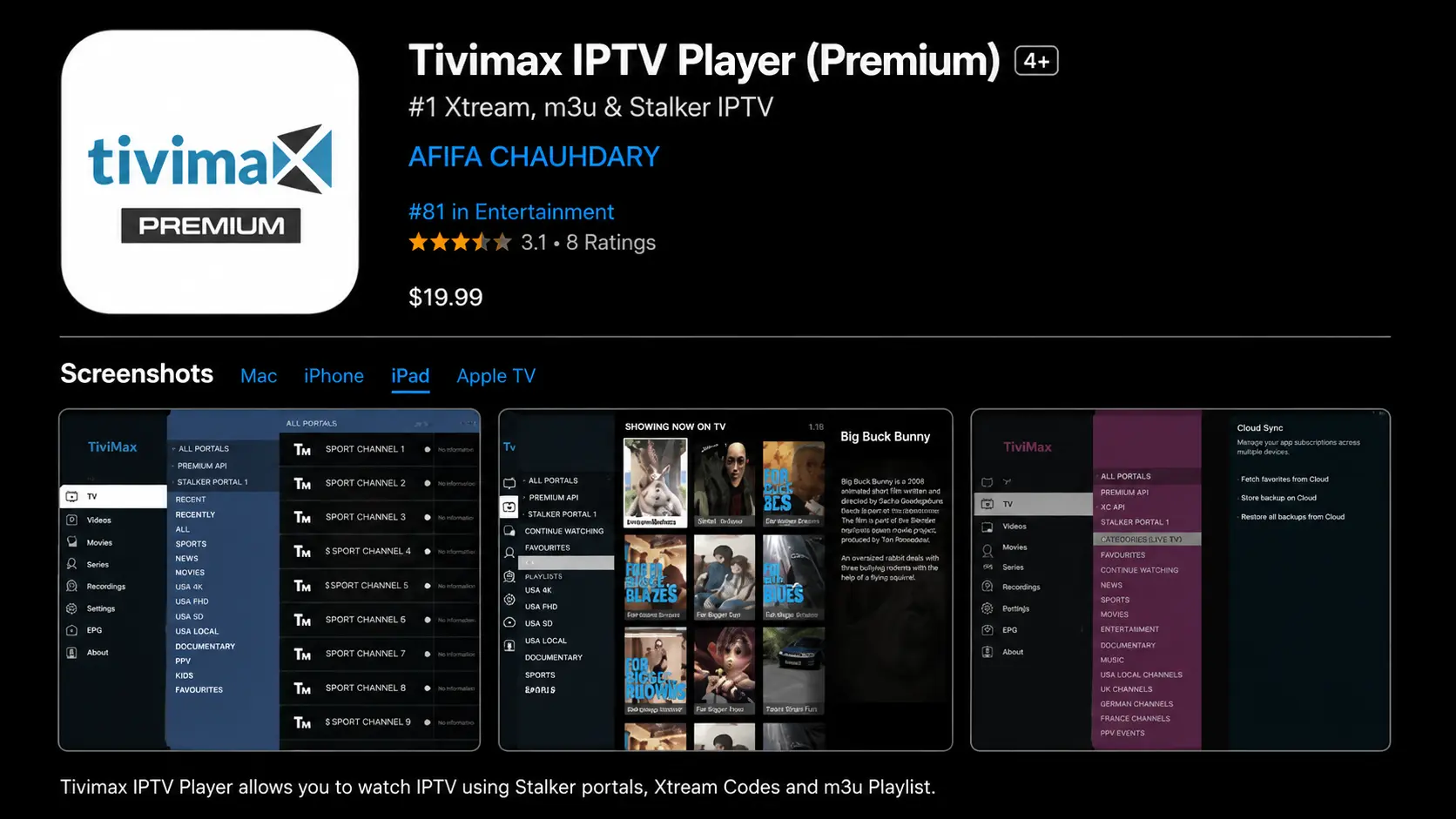
TiviMax is an excellent choice for iOS users and is considered one of the closest alternatives to TiviMate for iPhone and iPad. It delivers a stable and feature-rich IPTV experience.
- Free version available with premium options.
- Supports VOD, catch-up TV and multiple playlists.
- Includes parental control features.
How to Log In:
- Download TiviMax from the App Store.
- Open the app.
- Choose Login with Xtream Codes API.
- Enter the login details you received by Email or WhatsApp.
- Click Add User to start streaming.
Login Details You Need
To activate IPTV on iPhone or iPad, you need:
- Any Name: You can write any profile name.
- Username: Provided by Email or WhatsApp.
- Password: Provided by your IPTV service.
- Server URL: Usually starts with http:// or https://
Make sure you type the username, password and server URL exactly as received. One wrong letter can cause login errors.
Troubleshooting
Authorization Failed
- Check your username and password.
- Make sure the server URL is correct.
- Turn off VPN and try again.
- Confirm that your subscription is active.
Channels Not Loading
- Restart the app.
- Check your internet connection.
- Refresh the playlist inside the app.
- Contact support if the problem continues.
Final Notes
IPTV on iPhone and iPad is simple when you use the right app. Smarters Player Lite is the easiest option for beginners, while IPTVX and TiviMax are great choices for users who want a premium interface and more advanced features.
Need Help Setting Up IPTV on iPhone or iPad?
Contact BangosPlay support and we will help you install IPTV on iPhone, iPad, Apple TV, configure your Xtream Codes login details, and fix any streaming or login issues quickly.
Contact Support