
How to Setup IPTV on Android Devices
Learn how to install IPTV on Android phones, Android TV, and Android Boxes using the best IPTV apps and Xtream Codes API login.
If you want to install IPTV on your Android phone, Android TV, or Android Box, this guide will show you the complete steps to get everything running smoothly.
You will learn about the best IPTV players and how to log in using the Xtream Codes API for the best performance.
Best IPTV Players for Android
To watch IPTV on Android devices, you need an IPTV player. These are the best options:
- IPTV Smarters Pro — Free and easy to use.
- XCIPTV — Free, lightweight, and simple.
- TiviMate — Great for channels, premium for advanced features.
- IBO Player Pro — Paid app with good stability.
Option 1: Install IPTV Apps from Google Play
You can download many IPTV apps directly from Google Play. Some are free while others require a one-time payment or premium upgrade.
- XCIPTV: Free, lightweight, simple user interface, good EPG.
- TiviMate: One of the best IPTV apps but requires premium for VOD and series.
- IBO Player Pro: Paid app with 7 day trial and good stability.
To install:
- Open Google Play.
- Search for XCIPTV, TiviMate, or IBO Player.
- Install the app.
- Open the player.
- Log in using the Xtream Codes API.
Option 2: Install IPTV Smarters Pro Using Downloader
If IPTV Smarters Pro does not appear on Google Play for your device, use this method.
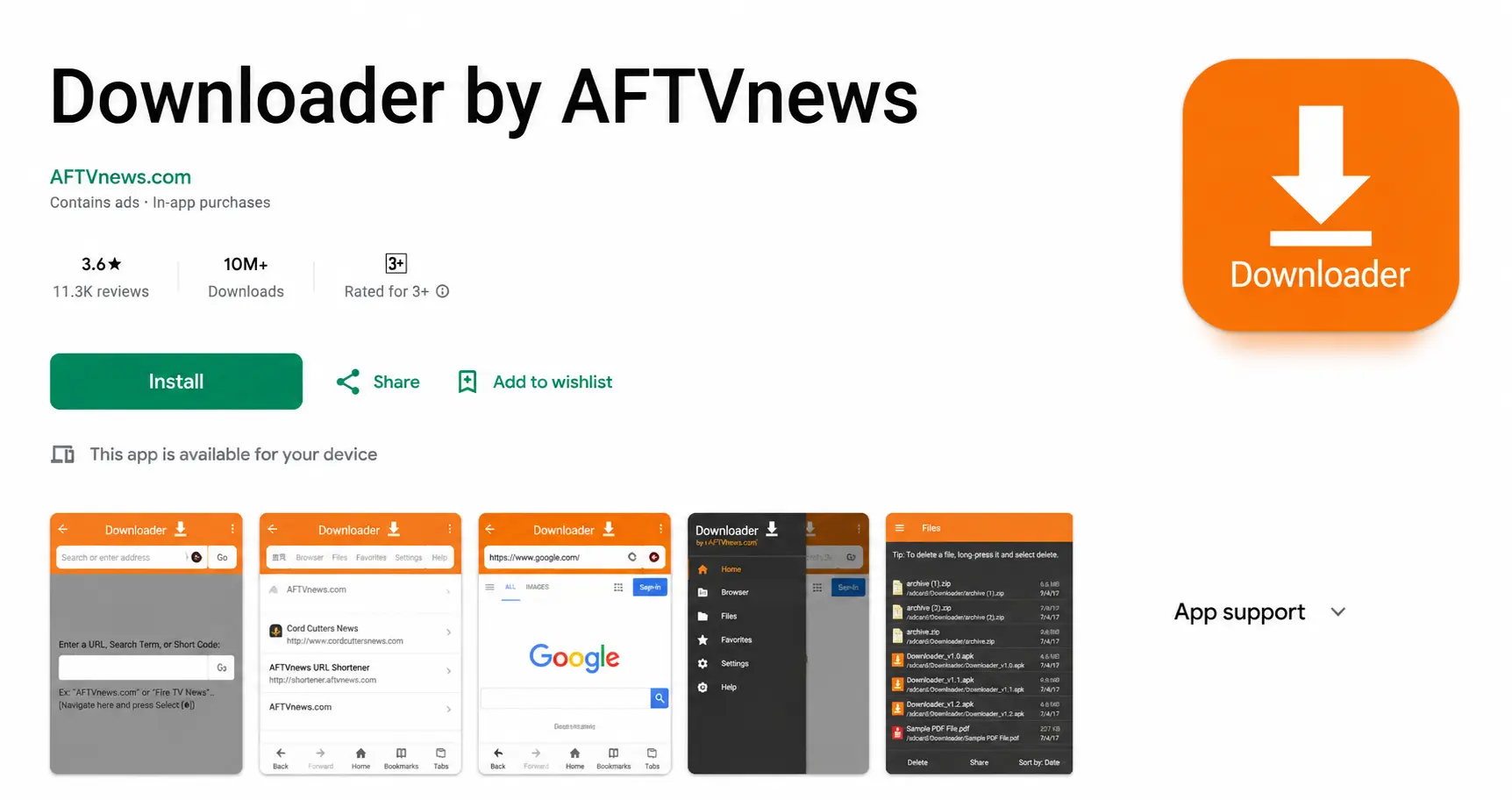
Step 1: Install Downloader
- Open Google Play.
- Search for Downloader by AFTVnews.
- Install it.
Step 2: Enable Install from Unknown Sources
- Open Settings.
- Go to Security or Apps and find Unknown Sources.
- Enable it for the Downloader app.
Step 3: Install IPTV Smarters Pro
- Open the Downloader app.
- Enter the code 78522.
- Download IPTV Smarters Pro.
- Click Install.
Downloader Code:
Step 4: Log In Using Xtream Codes API
- Open IPTV Smarters Pro.
- Select login with Xtream Codes API.
- Enter your username, password, server URL, and profile name.
The channels and categories will load automatically.
How to Setup IPTV on Android Phones
The process is almost the same as Android TV:
- Install XCIPTV, TiviMate, or IPTV Smarters Pro.
- Open the app.
- Select Xtream Codes API login.
- Enter your subscription details.
- Wait for channels to load.
Troubleshooting
If you see an error message, here is what it usually means:
Authorization Failed
- Incorrect username or password.
- Wrong server URL.
- Expired subscription.
Double check your login details. If the error continues, turn off your VPN and try again.
Need Help Setting Up IPTV on Android?
Contact BangosPlay support and we will help you install IPTV on Android phones, Android TV, Android Boxes, configure Xtream Codes login details, and fix streaming or login issues quickly.
Contact Support